Flexalon 2 adds new layouts, scrolling lists that handle thousands of items, a state-based animator, and inventory-style drag and drop. Layouts also update faster, especially in large scenes. If you're upgrading a project from Flexalon 1, read the upgrade guide first.
New features after Flexalon 2.0 come first to Flexalon Subscription, in Flexalon 2.1 and later releases. They'll be listed here and labeled with the release that added them.
New layouts
Table Layout: Like a grid, but each column, row, and layer can have its own size. Size them to fit their content, fill the remaining space, or use a fixed size. Children can span several cells.
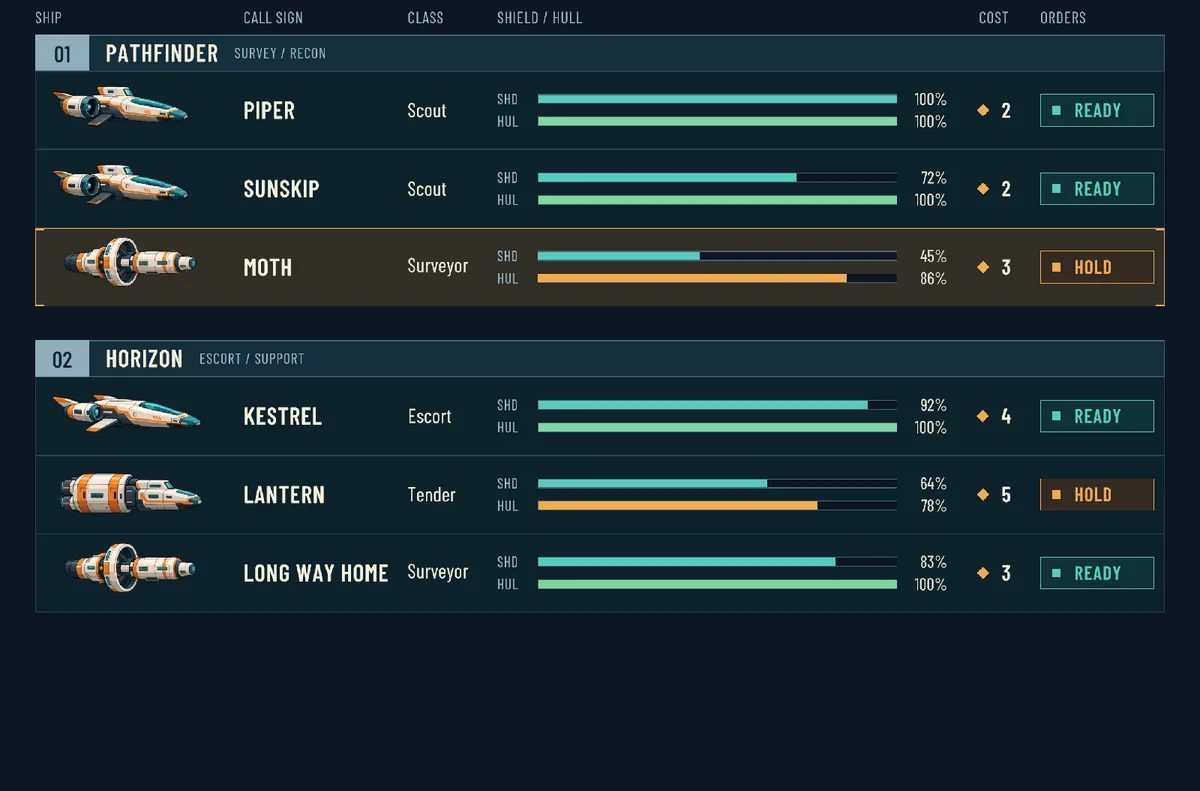
Masonry Layout: Columns of items with different heights, kept evenly balanced.
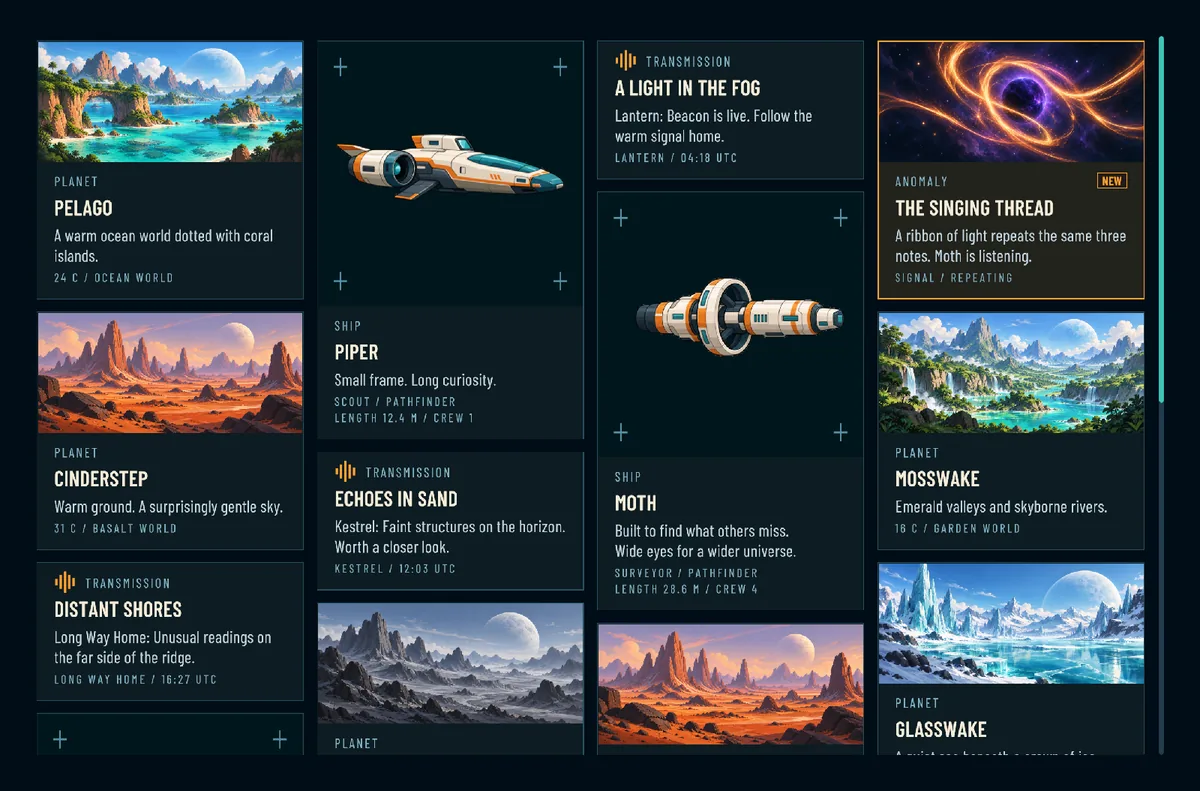
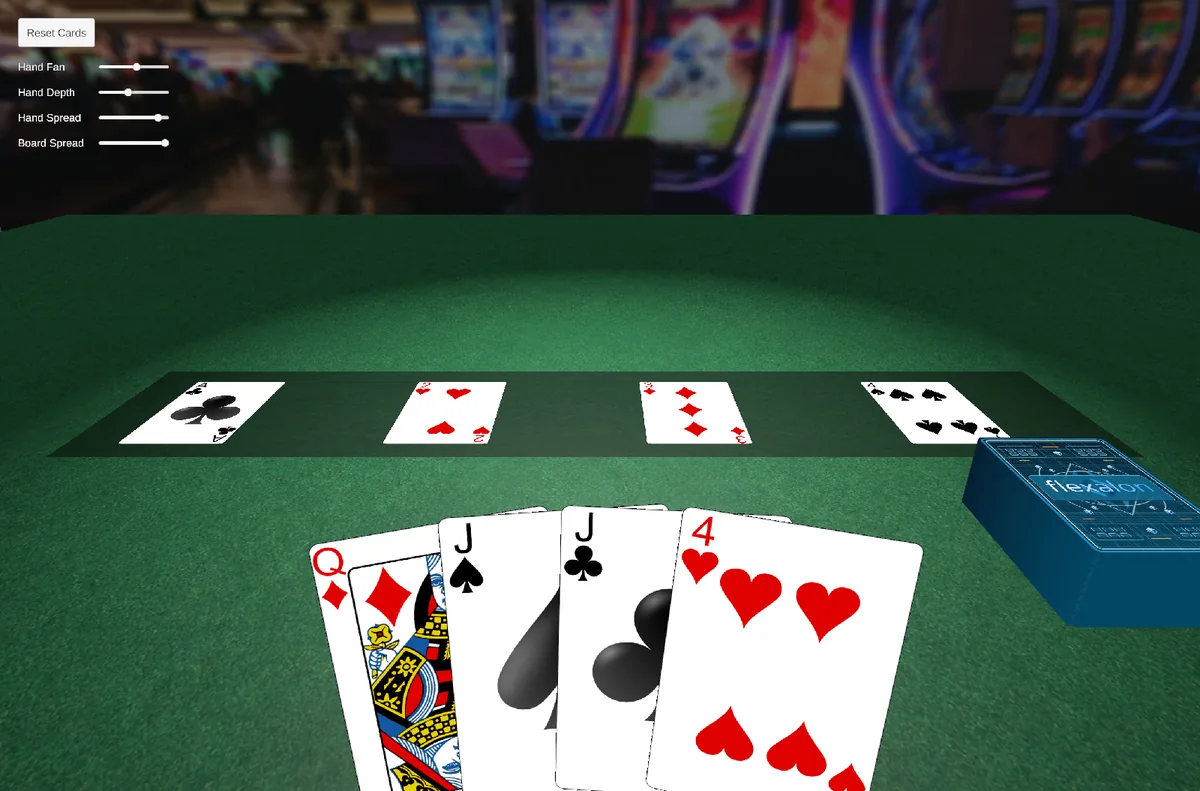
Card Layout: A fanned hand of cards, or cards spread out on a table.
Cells and Rows: Place a child in a specific cell of a Grid or Table Layout, let it span several cells, or group children into a row that spans the full table.
Scrolling and virtualization
Select GameObject > Flexalon to create a 2D or 3D scroller, or a virtualized scroll list, with everything it needs already set up.

- Scroller: Scroll Unity UI or 3D content with the mouse wheel, touch, dragging, scrollbars, or from a script, horizontally, vertically, or in depth.
- Virtualizer: Show lists and grids with thousands of items. Only the items near the viewport get GameObjects, and they're reused as you scroll.
- Viewport: Hide the parts of 3D content that fall outside the visible area, with an optional soft fade at the edges.
State Animator
The State Animator animates objects between named states, like Hidden, Visible, Hover, and Press. Use it for entrances, hover and press feedback, and groups of items that animate one after another.
The Curve and Lerp Animators can now use separate settings for position, rotation, and scale.
Drag and drop
Interactable Slots: Drag items into specific cells of a grid or table, like an inventory. Items can span several cells, swap places with another item, or replace it and pick it up.
Flexalon Interactable also has new options:
- Scale On Drag grows or shrinks an object while it's held.
- Min Drag Distance keeps small pointer movements from starting a drag.
- Invalid Drop Mode chooses what happens when an object is dropped where it can't go: leave it there, return it to its start, or keep dragging.
- Interactables and drag targets can choose which of each other they accept, and drag targets have new events for objects that are dragged over, out, added, or removed.
See Interactable for details.
Everything else
- Faster updates. Flexalon only recalculates the parts of a layout that a change affects, which is especially noticeable in large or frequently changing scenes.
- Reliable Unity UI positioning. Layouts keep your RectTransform pivots and position UI by what you see.
- Alignment overrides. Set Horizontal, Vertical, and Depth Align on a Flexalon Object to align one child differently from the rest of its layout.
- Curve Layout alignment. Line items up at the start, center, or end of the curve.
- Enabling and disabling. Disabling a layout, Flexalon Object, adapter, constraint, or cell turns off its effect, and enabling it brings it back.
- New adapters. Flexalon Scale To Fit Adapter scales an object to its Flexalon size, and an optional adapter supports UniText.
- Easier to find. Every Flexalon component is listed under Add Component > Flexalon.
- The Flexalon component is optional. Layouts update without it. Add it only to change when layouts update or to use a custom input provider.
For scripters, Flexalon 2 adds virtual nodes for custom layouts, more precise dirty methods, and cell and slot lookup methods. See the Scripting API.